Grid for your data
Show your own C# records with multiple filters and sorts, nested groups, summaries, detail rows, and editable cells.
Unity runtime UI · UI Toolkit
Grid, list and tree UI for games and developer tools, built around your data.
Build rosters, inventories, management screens and developer tools from your own C# records. Filter, group, edit and inspect them without assembling a different table for every screen.
In preview. Planned one-time price: US$39.99. No checkout or public download is available yet.
Play the actual Unity build
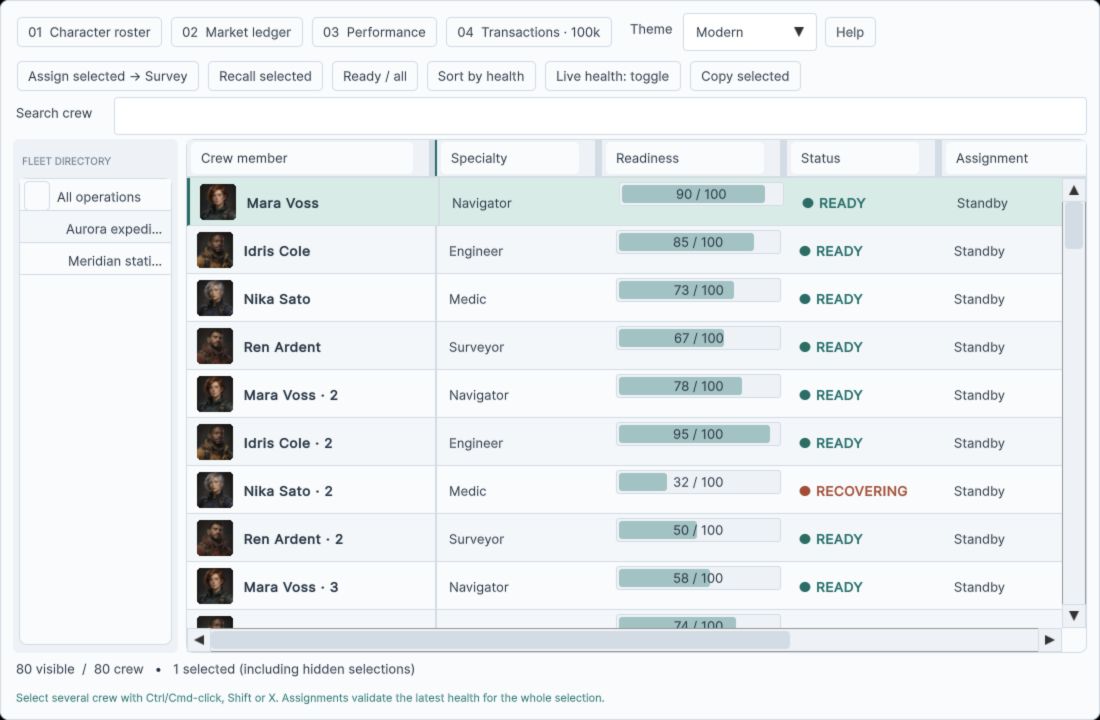
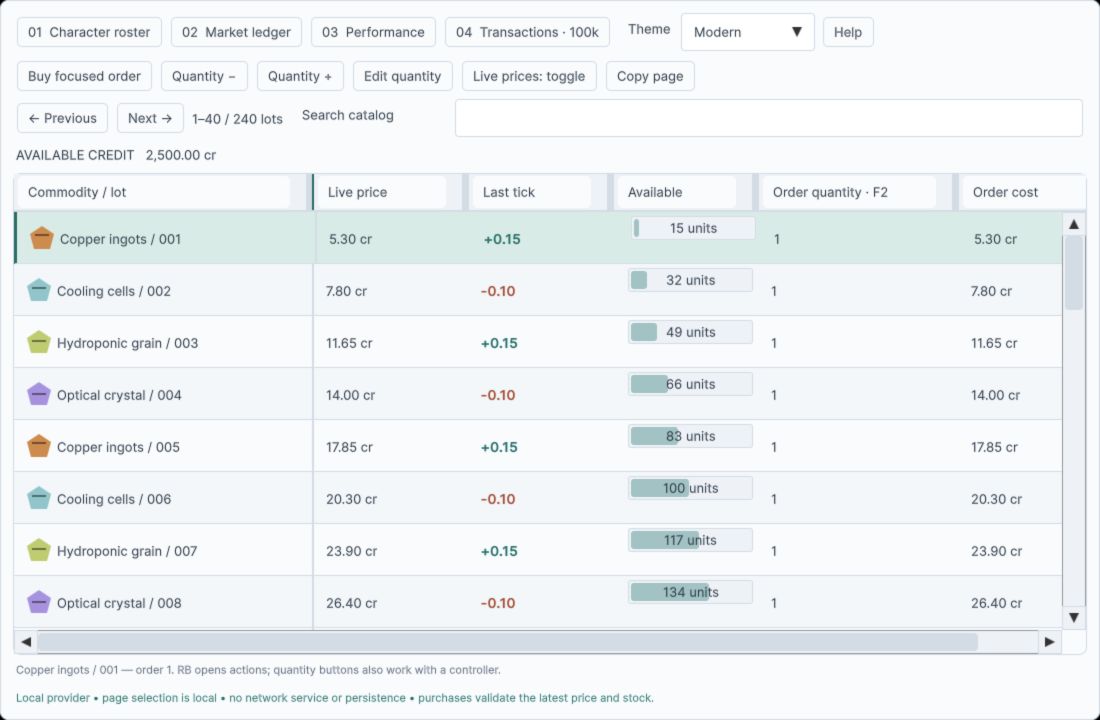
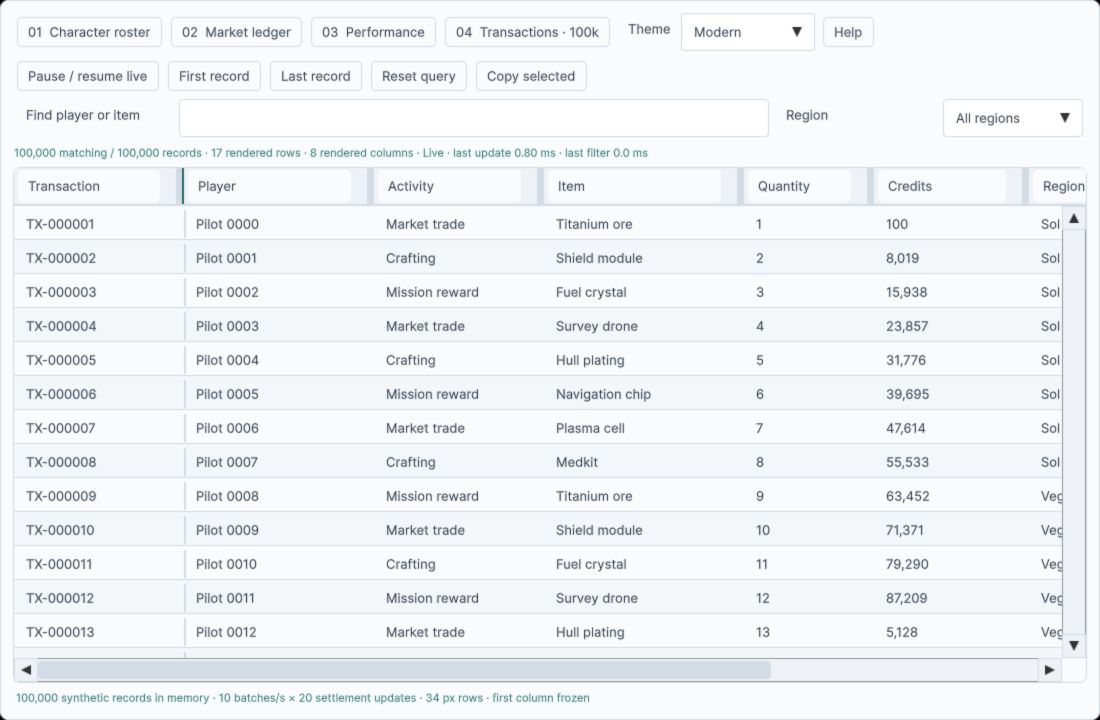
Explore the character roster, market ledger, performance lab and 100,000-record transaction demo. Sort, filter, group and edit synthetic records in the real UI Toolkit components.
Downloads about 12 MB when started. Best explored in a desktop browser with a mouse and keyboard.
Unity 6000.3.25f1 · Working preview · Synthetic in-memory data. Browser performance depends on the device and workload.
Game screens and developer tools
Use the same components for character lists, management views, debug panels and simulation inspectors. The included scenes demonstrate real interactions; their data is synthetic.
Show your own C# records with multiple filters and sorts, nested groups, summaries, detail rows, and editable cells.
Virtualize visible rows and columns instead of constructing every cell. The data source still does the work of sorting and grouping.
Use the standalone virtualized list and tree for rosters, inventories, directories, and navigation alongside the grid.
Data UI targets Unity 6 runtime screens built with UI Toolkit. The interactive demos use Unity's Input System.
Unity's built-in MultiColumnListView is often enough for a straightforward table. Data UI is aimed at screens that combine richer filtering, grouping, summaries, detail views and reusable list or tree navigation.
Virtualization limits instantiated UI. It does not make a full-source sort or group calculation free, and this preview does not promise a remote-data backend, uGUI renderer or a frame-rate guarantee on every device.
If you have a game screen or developer tool in progress, tell us which records and interactions it needs. We can assess whether this preview fits before a paid release.